

Starters
Emit Particles
Particles flying off the selected mesh's surface, on the sidebar's own settings.
VecFlow 0.1.0
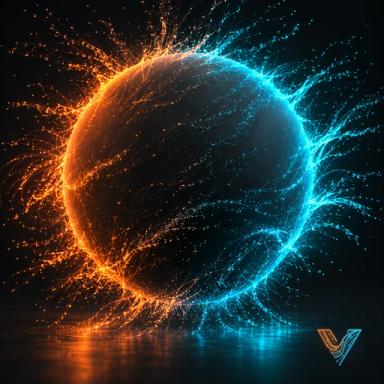
Particles flying off the active mesh's surface.
Select a mesh, then SidebarVecFlowNew SimulationFrom “mesh”Emit Particles, or AddVecFlowEmit Particles From “mesh”.
What it makes
Objects it makes
<mesh>mesh, where the particles come from (your mesh itself)
<mesh> Particlesmesh, the simulation: it holds the settings and plays the bake
No flow: the sidebar’s settings, changed from their defaults
Emit From Surface, Per Frame 500, Speed 1, Spread 0.5
Your mesh becomes the emitter: 500 particles a frame leave its surface, straight out of its faces at 1 m/s, with a little spread. The ground is at the cursor's height, or below the mesh if it reaches lower. The mesh itself isn't changed, and still renders.
Try these first
- Speed: how fast they leave the faces.
- Emit From: Surface, or inside its Volume (a closed mesh).
- Inherit Motion: when the mesh moves, how much of its motion the particles take with them. 1 for sparks thrown off a spinning wheel.
Make it yours
- Animate the mesh. The particles are born where it is on each frame: keyframe it, and they trail behind.
- No gravity. Set Gravity to 0 for dust or magic hanging in the air.
- Hide the mesh in renders (its Object Properties ▸ Visibility) to keep only the particles.
Related
- The Particles starter: the same settings, from a small emitter
- Emission, setting by setting